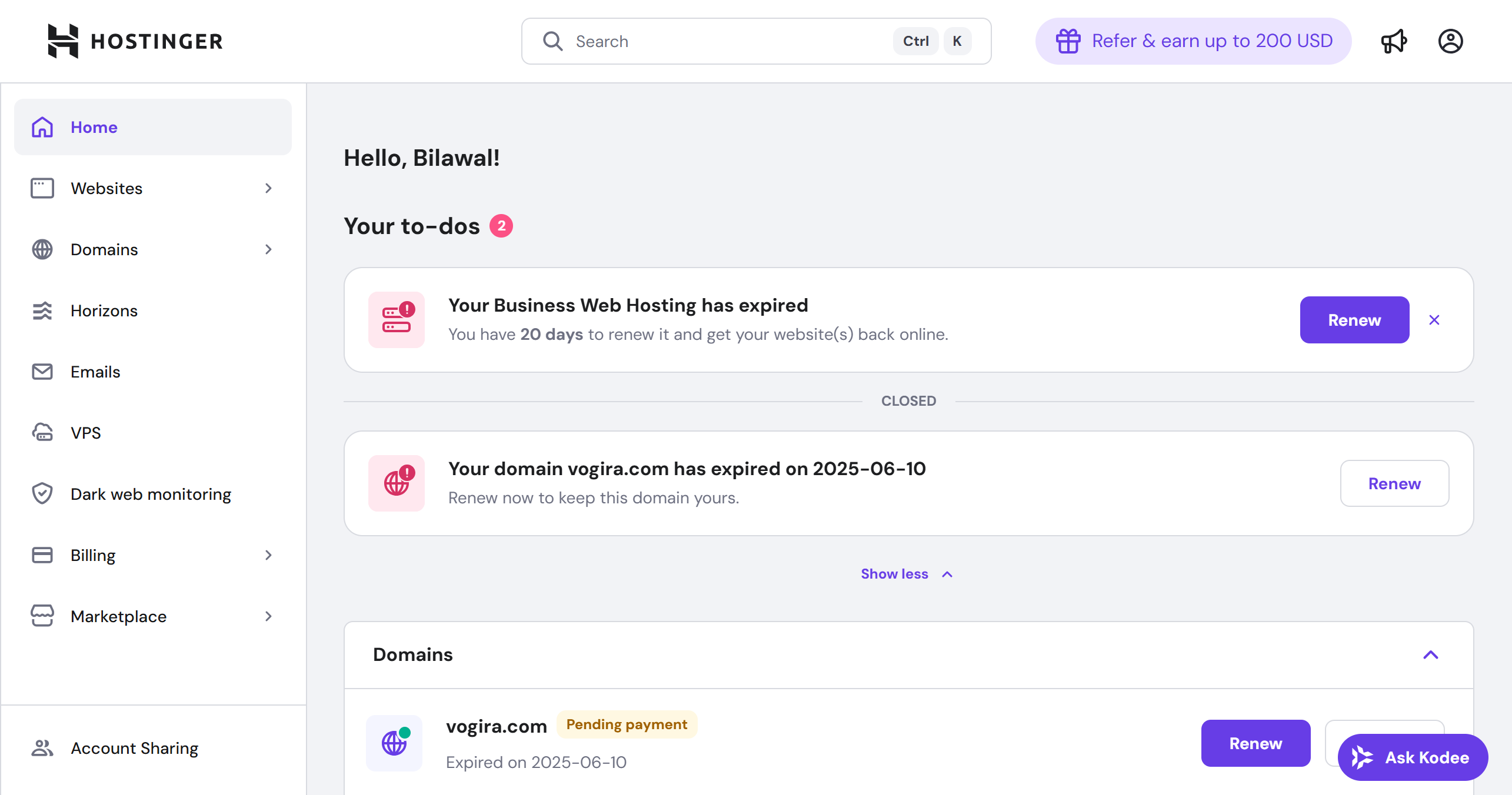
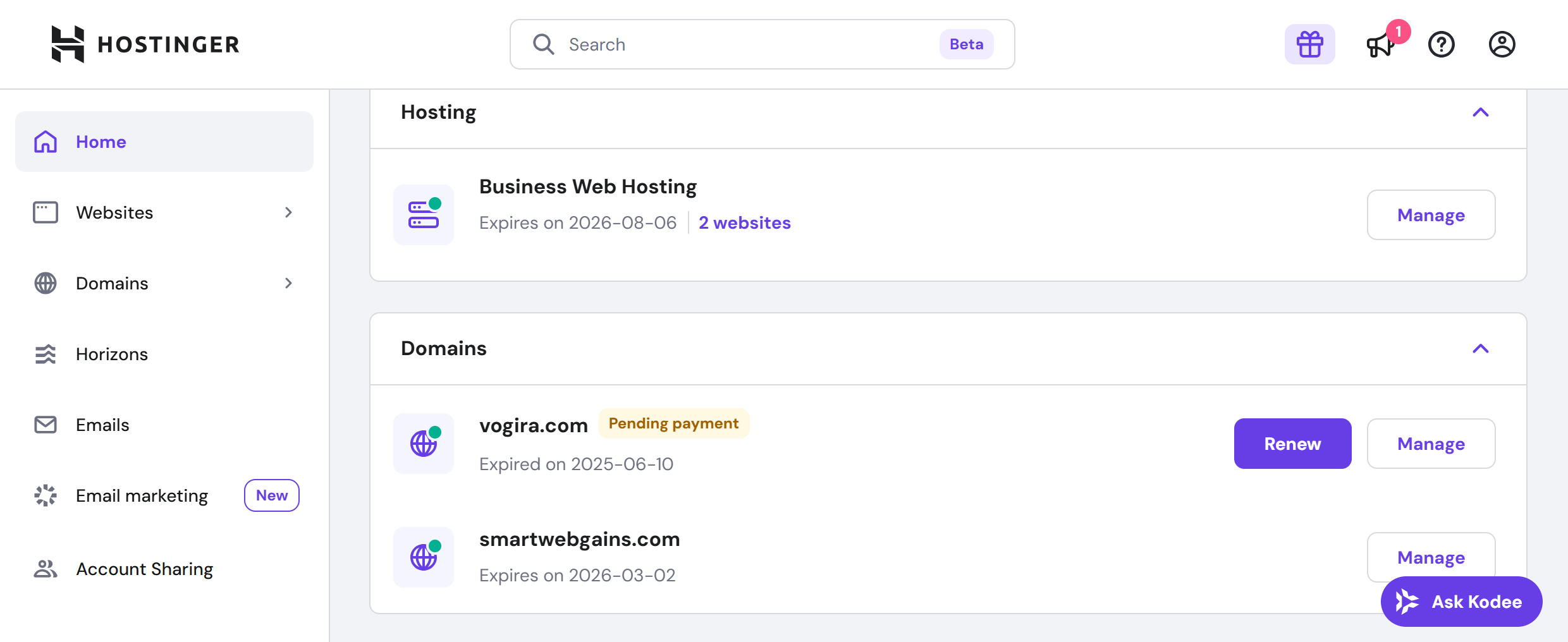
As a website owner with experience using different hosting providers, I’ve had the chance to put Hostinger Shared Hosting to the test.
In this Hostinger shared hosting review, I’ll share my honest impressions on its performance, ease of use, and value for money.
In my experience with Hostinger, I’ve found it a top contender for affordable web hosting with impressive performance. What stands out to me is how easy it is to navigate, thanks to their custom-built hPanel.
Hostinger offers competitive pricing and solid features like free SSL, weekly backups, and 24/7 customer support. With its global server presence and consistently high ratings on our Hostinger review (4.6 based on 2,445 reviews), it’s clear that Hostinger delivers on its promise of value and reliability for small to medium-sized websites.
Keep reading for my in-depth breakdown of its features, support, and overall value.
When it comes to Hostinger’s Shared Hosting, you’re looking at three key options:
Each plan offers unique features for different needs, from small blogs to growing businesses with higher traffic demands.
Plus, you get a 30-day money-back guarantee to try it risk-free. If unsatisfied, you can get a refund within 30 days of purchase.
Additionally, Hostinger accepts various payment methods, including Visa, MasterCard, PayPal, Apple Pay, Google Pay, and even cryptocurrency.
| Plan Name | Space | Bandwidth | OS | Panel | Number of Sites | Price | |
|---|---|---|---|---|---|---|---|
| Premium | 20 GB | Unlimited | 3 | MYR 8.66 | Details | ||
| Business | 50 GB | Unlimited | 50 | MYR 12.13 | Details | ||
| Cloud Startup | 100 GB | Unlimited | 100 | MYR 27.72 | Details |
Let’s look at the plans in detail:
This plan gives you everything you need to get started. It’s perfect for beginners or small websites that don’t need much storage but still want reliable performance. You get:
The Business plan is a solid upgrade for those needing more power and storage. It’s designed for small to medium-sized businesses or websites with higher traffic. You get:
This plan is all about performance. It suits larger websites with higher traffic demands, offering optimized speed and resources. You get:
To get a clear picture of how well Hostinger’s shared hosting performs, I used GTMetrix to measure the speed and loading efficiency of a website hosted on their platform. My goal was to see not just a one-time snapshot but how the hosting holds up over time under normal conditions.
Here’s the approach I took:
Running tests over different time frames is important because website speed can vary due to factors like server load, traffic patterns, or maintenance schedules. This method ensures the performance you see isn’t just a lucky snapshot but a reliable reflection of Hostinger’s shared hosting quality.
Here are the key findings from the most recent GTMetrix test for a site hosted on Hostinger’s shared plan:

All these numbers point to a fast, smooth experience. Pages load in less than a second, users can interact immediately, and the server responds quickly without delays.
In practical terms, Hostinger’s shared hosting offers excellent speed and reliability. Visitors to your website won’t face frustrating delays, which improves engagement and reduces bounce rates. The stable layout and zero blocking time also mean your site feels polished and professional.
If you’re considering shared hosting with Hostinger, these results give you confidence that you’re getting solid performance that can handle typical website traffic smoothly.
To better understand how Hostinger’s shared hosting performs over time, I monitored the website’s speed and responsiveness every day for a full week, from June 17 to June 24, 2025. Using GTMetrix, I collected daily performance reports. This week-long approach helps capture any variations caused by daily server load, network traffic, or other factors, rather than relying on a single test snapshot.
Tracking performance over multiple days gives a more accurate picture of what you can expect if you host your site on Hostinger’s shared plan.
Here’s what the data showed during this period:


These results show that Hostinger’s shared hosting maintains strong and consistent performance over time. You can expect your website to load quickly and reliably for visitors, without sudden slowdowns or server lag.
While some daily variation is normal due to traffic and background processes, the overall stability and speed here are impressive for a shared hosting plan. If you want a hosting service that performs well on a regular basis without surprises, Hostinger’s shared plan holds up nicely.
To get a full picture of how Hostinger’s shared hosting performs over a longer period, I tracked the website’s loading speed and overall responsiveness every day for nearly two months, from early May through late June 2025.
This long-term monitoring is important because it shows not only the average performance but also how stable and consistent the hosting is over time.
Websites can experience slowdowns due to traffic spikes, server maintenance, or network issues. By running a month-long test with GTMetrix, I captured these fluctuations and made sure the results reflect real-world experience.
What the Month-Long Data Reveals:


This month-long data shows Hostinger’s shared hosting can consistently deliver good speed and responsiveness. While you may experience occasional slow days (which is normal for any shared service), your site will typically load quickly and remain stable most of the time.
The fast server response times and strong page optimization ensure a smooth user experience for visitors. If you want a shared hosting plan that performs well over weeks and months, Hostinger is a solid choice.
When using Hostinger’s Shared Hosting, I found their support system to be quite comprehensive. It offers several methods for assistance, depending on how urgent or detailed your query is.
This is their primary and most accessible support option. You can initiate live chat directly from your Hostinger account by clicking the purple chat icon on the bottom-right corner of any page.
The response times are relatively quick, depending on the time of day. The support agents are friendly and knowledgeable.
If your issue requires a more in-depth response or documentation, you can email support@hostinger.com.
My experience with Hostinger’s email support for shared hosting was swift and helpful. After sending my inquiry at 8:00 PM, I received a detailed response within nine minutes.

Camilo from Hostinger’s Success Team responded with tailored follow-up questions to better understand my hosting needs. He asked about the number and type of websites I planned to host, any specific resources or technical requirements I might have, and my target audience’s geographic location.
In addition, Camilo offered a special deal if I had already decided on a specific shared hosting plan, adding a customer-friendly touch to the conversation.
Overall, Hostinger’s email support for shared hosting demonstrated high attentiveness and personalization.
Hostinger’s Help Center has tutorials, FAQs, and troubleshooting guides. This resource is invaluable, especially for DIYers who prefer solving issues independently. I found the articles well-written, easy to follow, and they cover most common issues. However, for advanced or less common problems, I still had to reach out to support through live chat or email.
A unique feature within Hostinger’s ecosystem is their AI Assistant, available via the “Ask AI” button. The AI assistant can quickly guide you through simple issues or provide instant access to helpful resources.

While it’s not perfect for complex problems, it’s a time-saver for general inquiries or quick website optimization advice.
When testing the ease of use of Hostinger’s Shared Hosting, I decided to go through the registration process and explore the control panel to understand how user-friendly the experience is.
Signing up for Hostinger’s Shared Hosting was a straightforward and intuitive experience. To get started, I headed to the Hostinger homepage. From the main menu at the top, I clicked on Hosting, then selected Web Hosting, which led to their shared hosting plans.

Since I wanted to test the most popular option, I went with the Business plan.
On the next page, the cart appeared, summarizing my selection:

Once I reviewed the details, I clicked Continue, and Hostinger prompted me to create an account. I found it easy to sign up using my email address, but you can also sign up via Google for even faster registration.
After completing the checkout process, I immediately received a confirmation email, which directed me to the dashboard. Overall, the process was fast, seamless, and intuitive. The steps were clear, and the design of the registration flow made it easy to follow, even if you’re new to web hosting.
When I reviewed Hostinger’s Shared Hosting, one of the standout features that makes it incredibly easy to manage is their custom hPanel.
Unlike generic control panels like cPanel, hPanel is designed specifically for Hostinger users and offers a user-friendly interface that simplifies managing shared hosting environments.

First off, shared hosting often means juggling multiple websites, email accounts, and limited resources. Hostinger’s hPanel is laid out in a way that makes all these tasks simple and intuitive, which is essential when managing a shared hosting plan.
Here’s what makes it particularly easy:
Overall, hPanel is a perfect match for managing shared hosting on Hostinger. Its ease of use combined with powerful tools for managing websites, emails, and performance, makes it a standout feature of Hostinger’s shared hosting service.
First and foremost, Hostinger offers exceptional value with its low starting prices, making it an attractive option for individuals and small businesses.
The user-friendly hPanel simplifies website management, making it accessible even for those who may not be tech-savvy. Additionally, including features like free SSL certificates, daily backups, and a generous storage allowance enhances the overall package without hidden costs.
Customer support is another strong point. While they lack phone support, the 24/7 live chat and email options provide reliable assistance. I found their support representatives knowledgeable and helpful in resolving issues.
So yes, I’d definitely recommend Hostinger’s Shared Hosting, especially if you’re just getting started or running a growing website. It delivers on its promise of being simple, fast, and secure.
| Plan Name | Space | Bandwidth | OS | Panel | Number of Sites | Price | |
|---|---|---|---|---|---|---|---|
| Free Trial | Unlimited | Unlimited | Unlimited | MYR 0.00 | Details | ||
| Premium | 20 GB | Unlimited | 3 | MYR 8.66 | Details | ||
| Business | 50 GB | Unlimited | 50 | MYR 12.13 | Details | ||
| Cloud Startup | 100 GB | Unlimited | 100 | MYR 27.72 | Details |
| Description | Expert Review |
|---|---|
| Fast and secure WordPress hosting with one-click installation and premium features. | Read Wordpress Hosting Review |
| Scalable VPS hosting with dedicated resources and root access. | Read VPS Review |
| Fast, flexible cloud hosting with excellent uptime and scalable resources. | Read Cloud Hosting Review |
| Secure and private hosting solutions with offshore data center locations. | Read Offshore Hosting Review |
| Secure and reliable email hosting with professional-grade features. | Read Email Hosting Review |
| Reliable Python hosting with flexible environments for developers. | Read Python Hosting Review |
| High-performance PHP hosting with full support for dynamic websites and applications. | Read PHP Hosting Review |
| Reliable Windows VPS hosting with full control and customization options. | Read Windows VPS Review |
| Fast and flexible hosting tailored for Node.js applications with optimal performance. | Read Nodejs Hosting Review |
| Optimized hosting for WooCommerce stores with high speed and secure integration. | Read Woocommerce Hosting Review |
| Dedicated server hosting for seamless Minecraft gaming experiences. | Read Minecraft Server Hosting Review |
| Scalable hosting solutions with advanced features for digital agencies and developers | Read Agency Hosting Review |
| Fast, secure hosting optimized for Magento ecommerce websites. | Read Magento Hosting Review |
| High-performance Linux-based hosting for stable and secure website operations. | Read Linux Hosting Review |
| Robust Java hosting solutions for dynamic web applications and projects. | Read Java Hosting Review |
| Optimized hosting for ecommerce websites with secure, fast, and reliable performance. | Read Ecommerce Hosting Review |
| Reliable Django hosting with fast speeds and secure environment. | Read Django Hosting Review |
| Easy-to-use cPanel hosting with robust performance and reliable support. | Read Cpanel Hosting Review |
| Powerful hosting for businesses with fast speeds, security, and scalability. | Read Business Hosting Review |
| Easy-to-use website builder with drag-and-drop tools and customizable templates. | Read Website Builder Review |
| Optimized hosting for Joomla sites with one-click installation and reliable performan... | Read Joomla Hosting Review |
| Powerful hosting with full PostgreSQL database support for data-driven applications. | Read PostgreSQL Hosting Review |
| Flexible hosting with MongoDB integration for scalable, modern web applications. | Read MongoDB Hosting Review |
| AI-powered website creation platform for building professional sites in minutes. | Read AI Builder Review |
| Reliable hosting for n8n workflow automation with easy setup and management. | Read n8n Hosting Review |
| VPS hosting with Docker support for containerized application deployment and scaling. | Read Docker VPS Review |
| Dedicated SMTP server hosting for reliable and secure email delivery. | Read SMTP Server Review |
| Fast and optimized hosting tailored for Ruby on Rails web applications. | Read Ruby on Rails Review |
| Feature-rich hosting with OpenClaw integration for building and managing claw machine... | Read OpenClaw Review |
| Fast and reliable hosting with UK-based servers for optimal local performance. | Read UK Hosting Review |
| Affordable and dependable hosting with India-based servers for low-latency access. | Read India Review |
| Read Singapore Review | |
| Read Australia Review | |
| Read AI Agent Review | |
| Read Paperclip VPS Review | |
| Read Hermes Agent Review | |
| Read Hostinger Connector Review | |
| Read Web Apps Hosting Review | |
| Read Hostinger Reach Review | |
| Read MCP Review | |
| Read hpanel Review | |
| Read Odoo Review | |
| Read Laravel Review | |
| Read MERN VPS Review | |
| Read Ubuntu Review | |
| Read Drupal Hosting Review | |
| Read Express.js Review | |
| Read React Review | |
| Read Nextjs Review |





Yes, Hostinger Shared Hosting is excellent for beginners. Its custom-built hPanel makes the interface intuitive and easy to navigate, making website management easy for those new to web hosting. Features like one-click WordPress installations, free SSL certificates, and automated backups simplify the process even further.
Hostinger’s Shared Hosting plans come with various resources, depending on the tier. All plans include unlimited bandwidth, free SSL, and weekly or daily backups. The Premium and Business plans offer more storage (up to 200 GB) and higher limits for email accounts and website hosting, making them ideal for growing businesses or more resource-heavy websites.
Yes, Hostinger makes it easy to upgrade from shared hosting to VPS or cloud hosting as your website grows. You can switch plans directly from the control panel without downtime, ensuring your website scales smoothly as traffic increases.
Yes, most of Hostinger’s Shared Hosting plans include a free domain for the first year, a great cost-saving feature for new website owners.
Hostinger offers an uptime guarantee of 99.9% with their Shared Hosting plans. From my research and user reviews, they consistently deliver on this promise, ensuring that your website remains live and accessible with minimal downtime.

Answer a few simple questions and find the perfect solution for you!
Start Hosting Search